
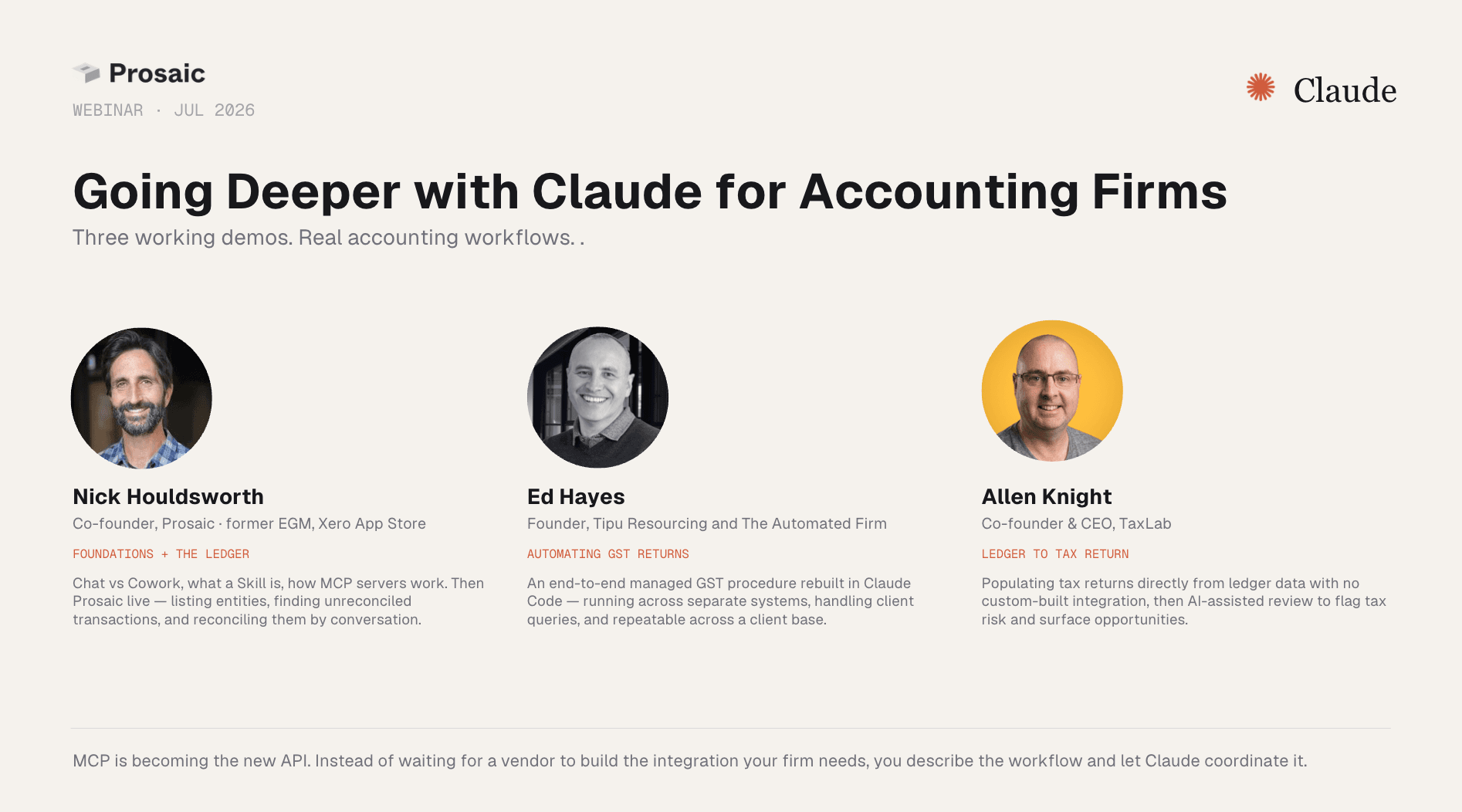
Going Deeper with Claude for Accounting Firms
Three working demos. Real accounting workflows.
 Slides
The slides
Step through the deck at your own pace — foundations, the three demos, and the links from each segment.
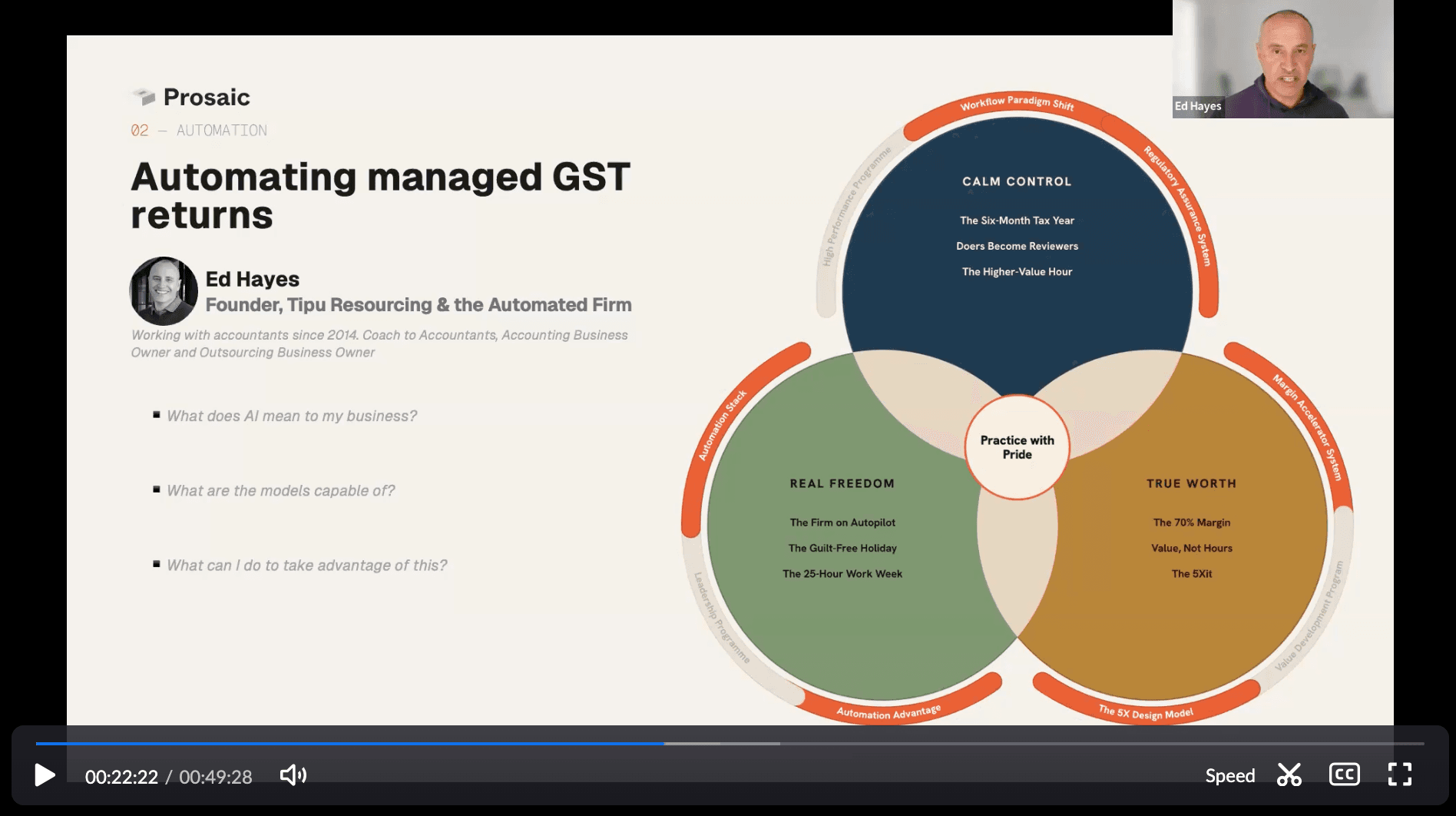 Recording
The recording
The full hour as it ran, including the live demos and the Q&A at the end.
The recording begins at slide five, so use the slide deck alongside it for the opening context and introduction to Claude.
Going deeper with Claude for accounting firms
Generative AI is moving beyond chat. The bigger opportunity for accounting firms is using tools such as Claude to work across the systems, data and procedures that already run the practice.
In this webinar, Nick Houldsworth from Prosaic, Ed Hayes from The Automated Firm and Allen Knight from TaxLab demonstrated three real accounting workflows: working directly with a ledger, automating a managed GST process and moving from ledger data to a completed tax return.

Nick Houldsworth
Co-founder, Prosaic · former EGM, Xero App Store

Ed Hayes
Founder, Tipu Resourcing and The Automated Firm

Allen Knight
Co-founder & CEO, TaxLab
Another major shift in accounting technology
Every 10 to 15 years, a new technology platform changes how accounting work gets done.
The industry has moved from paper to spreadsheets, from spreadsheets to desktop applications, and from desktop software to the cloud. Generative AI represents the next shift, but it is not simply digitising another existing process.
Cloud accounting software was built around a human clicking through screens. Automations generally follow fixed rules inside a particular product, while integrations must be designed and maintained by software vendors.
AI-native systems are different. They can be built for both people and AI agents to read, write and reason over structured data. Instead of adding a chat window beside an existing workflow, an agent can complete a series of steps directly across the underlying systems.
That could mean retrieving a job from practice management, reviewing transactions in the ledger, preparing client questions by email and transferring the completed information into tax software.
Understanding the Claude platform
The opening slides explain the different ways firms can use Claude.
Claude Chat is useful for conversations, questions and one-off analysis. You might upload a document, ask for a summary or work through an unfamiliar issue.
Claude Cowork is designed for completing work. It can operate across files, folders and connected applications to carry out a multi-step task from beginning to end. These processes can also be scheduled to run regularly.
Claude Code is where more customised workflows and integrations can be built and refined. Despite its name, several webinar examples were created by accountants and advisers rather than experienced software developers.
Claude Design provides a visual canvas for creating slides, prototypes and client-facing collateral. The webinar slides themselves were created using Claude Design.
Six terms worth knowing
The technology can sound more complicated than it is. The webinar introduced six useful terms:
- An LLM is the underlying model, such as Claude or GPT.
- Context is everything the model can see while completing a task.
- A Skill is a reusable written procedure explaining how your firm wants a task completed.
- An API allows one software product to read or write information in another.
- MCP, or Model Context Protocol, gives an AI model a standard way to use those APIs and connected tools.
- An agent plans a multi-step task, takes actions, checks the results and continues until the job is complete.
A Skill tells Claude how your firm performs a process. An MCP server gives it access to the systems required to carry that process out.
Context is particularly important. Without enough information about your firm, client and preferred approach, the model must fill in the gaps itself. As Ed explained during the webinar, the more relevant context you intentionally provide, the more effectively Claude can work in a way that reflects how you operate.
MCP is becoming the new API
Traditional integrations are predefined. A vendor builds a connection for an average customer and decides which data and actions it supports. When the required integration does not exist, a firm either changes its process, waits for a vendor or commissions custom development.
MCP enables something closer to a described integration.
When each system provides suitable access, the firm can describe the process it wants Claude to complete. The workflow can then be designed around the firm rather than forcing the firm to work around a fixed integration.
This makes an increasingly important question for software vendors:
The quality of this access will help determine how much value firms can get from AI agents over the coming years.
Demo one: working directly with the ledger
Nick began by demonstrating Prosaic, an AI-native ledger built for accounting firms managing simpler entities.
Prosaic was designed so that anything a person can do through its interface can also be completed by an authorised agent through its API and MCP server.
Using Claude, Nick was able to:
- list all entities in a firm's workspace
- identify clients with unreconciled transactions
- find the highest-confidence coding suggestions
- reconcile approved transactions directly in Prosaic
- inspect an Excel trial balance and prepare a conversion journal
- retrieve an invoice shared in Slack and create a draft journal from it
These examples also showed why structured data matters. Prosaic organises transactions, merchants, account templates and workspace rules consistently across the firm, allowing Claude to reason across multiple clients rather than treating every entity as an isolated file.
The demonstrations were deliberately interactive. Claude explained what it had found, asked for approval where appropriate and then completed the action. This allows the accountant to remain responsible for important decisions while removing much of the repetitive work between them.
Once a workflow has been tested and corrected, it can be turned into a reusable Skill so the same process does not have to be explained every time.
Demo two: automating a managed GST process
Ed demonstrated a managed GST workflow built using Claude Code.
The process connected systems used for practice management, ledger work, email and client communication. When a GST job reached the relevant stage, Claude could begin preparing it automatically and surface only the transactions requiring attention.
The workflow could then:
- review the GST job and underlying transactions
- identify missing information
- prepare client questions
- send those questions through email or a client-facing application
- receive photographs and supporting documents
- return the information to the appropriate ledger and job
- move the work forward for review
This is where the difference between an isolated AI feature and an orchestrated workflow becomes clear.
Claude was not simply suggesting wording for an email or explaining how to prepare a return. It was coordinating a series of steps across several systems, following instructions created for the accounting firm.
Ed also demonstrated how similar processes can be used during client onboarding. Clean information can be collected from the client, placed into the correct systems and used to trigger the next steps without repeated rekeying.
Demo three: from ledger to tax return
Allen then demonstrated Claude connecting Prosaic, local client documents and TaxLab.
The example began with a family trust that did not yet exist in TaxLab. Claude followed a Skill to:
- read photographs of dividend statements
- retrieve rental property information from Prosaic
- create the trust and its associated individuals in TaxLab
- populate the relevant income and expense information
- complete the required rental property disclosures
- allocate trust income between beneficiaries
- create and populate the beneficiaries' returns
This was the modern equivalent of working through a client's shoebox of documents, except the source material could come from an inbox, document management system, folder or connected ledger.
The workflow was then extended from preparation into review.
Allen used another Skill to review a completed company tax return and prepare a concluding memo. Claude analysed the return and produced a structured summary containing potential risks, incomplete work, issues requiring further investigation and points that might be discussed with the client.
It ultimately concluded that the example return was not ready to file and identified the matters that still needed to be cleared.
This does not remove the need for professional judgement. It gives the reviewer a more complete starting point and allows the firm to standardise what should be checked across every return.
What this means for firms
Software providers will continue to build the secure, compliant systems that hold accounting and tax data. But they will no longer need to anticipate and build every possible workflow themselves.
A firm may prepare a tax return and its financial statements together, review an entire family group, collect supporting documents automatically or create a morning work queue containing jobs already prepared for human review.
As Allen noted, once the systems are connected, imagination increasingly becomes the limiting factor.
The opportunity is not necessarily to remove people from the process. It is to move accountants away from retrieving, transferring and rekeying information so they can spend more time reviewing, advising and making decisions.
How to get started
This can feel overwhelming, but firms do not need a major AI project plan.
Start with the smallest repeatable job you might otherwise hand to an intern or junior team member:
- Turn on one connector. Begin with a low-risk source such as a folder, inbox or test ledger.
- Write one Skill. Take a procedure your firm already follows and provide it to Claude as a file.
- Run it from beginning to end. Watch each step, correct the result and gradually refine the instructions.
The first objective is not complete automation. It is understanding how context, Skills and connected systems work together.
The question is no longer only:
It is increasingly: